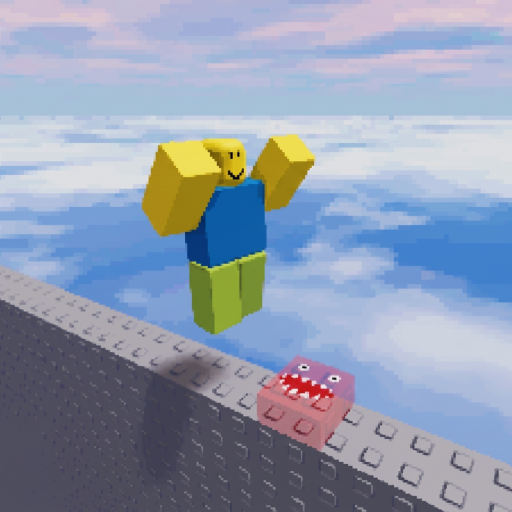
Control guide
Step Carefully Tips
Small control changes matter because one missed jump can restart the run. Use repeatable camera and movement habits instead of speed-running an unfamiliar obstacle.
Camera setup
Put the target platform directly ahead before moving. Rotate on a stable tile, not during the jump.
- Use a slightly elevated view
- Keep the landing visible
- Recenter after angled sections
PC controls
Separate forward movement from the jump input. Shift Lock can help on straight precision jumps, but turn it off when it hides the next hazard.
- Press W before Space on long gaps
- Feather A and D
- Release W on narrow landings
Mobile controls
Use short thumb taps and allow the movement stick to return to center. Two-thumb camera and jump control reduces accidental turns.
- Avoid long diagonal drags
- Lift movement after landing
- Zoom out before moving hazards
FAQ
Should I chain jumps?
Only after the route is memorized. On a first clear, stop on stable platforms and make every jump a separate input.